Workspaces
A workspace is an isolated git worktree created from a repository — its
own directory, its own branch. Each task gets one, so agents work in parallel
without applying built-in file-tool changes to the original checkout. Shell
containment still depends on the configured execution backend; explicitly
opted-in host execution is not an operating-system sandbox.
Create a workspace
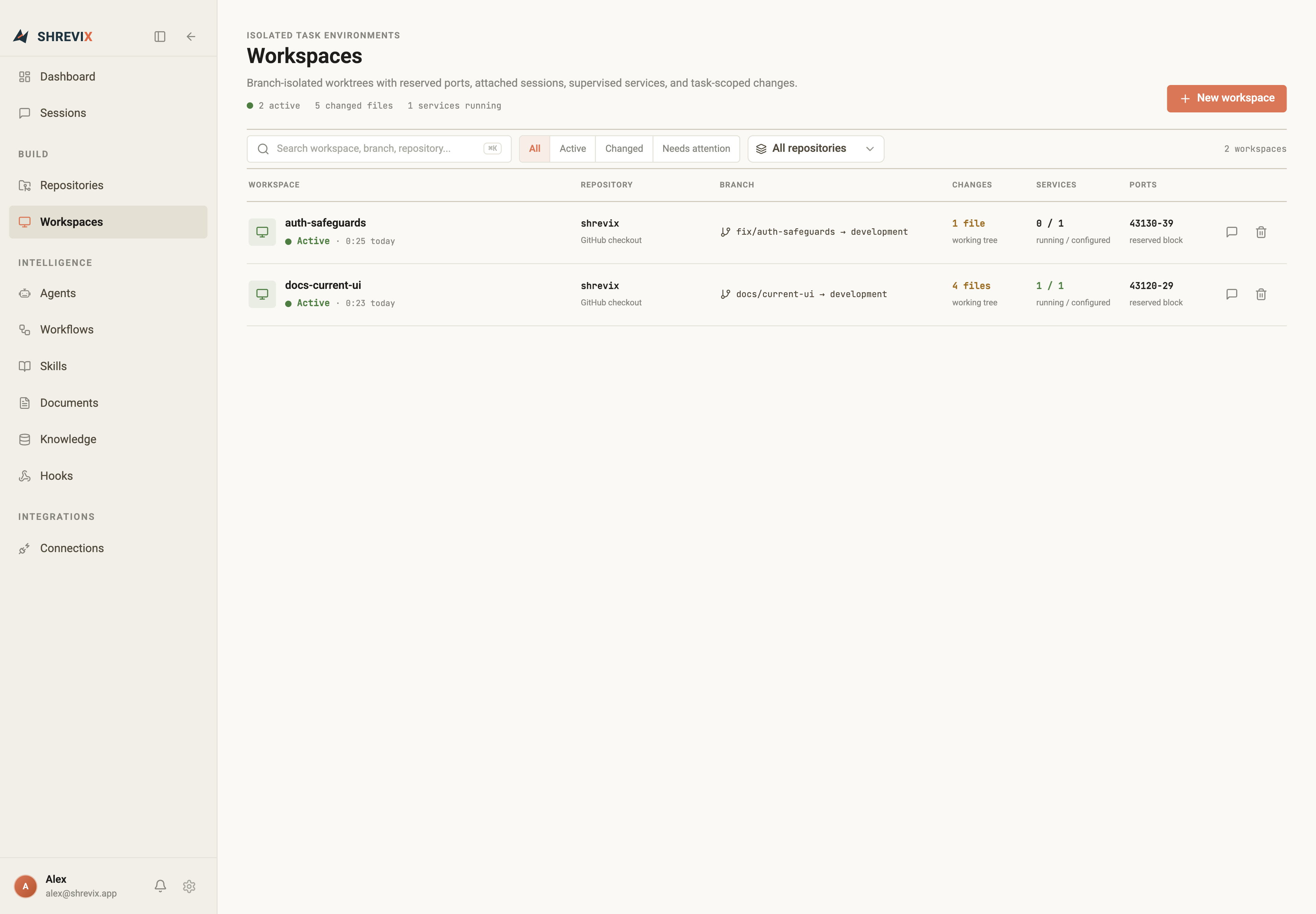
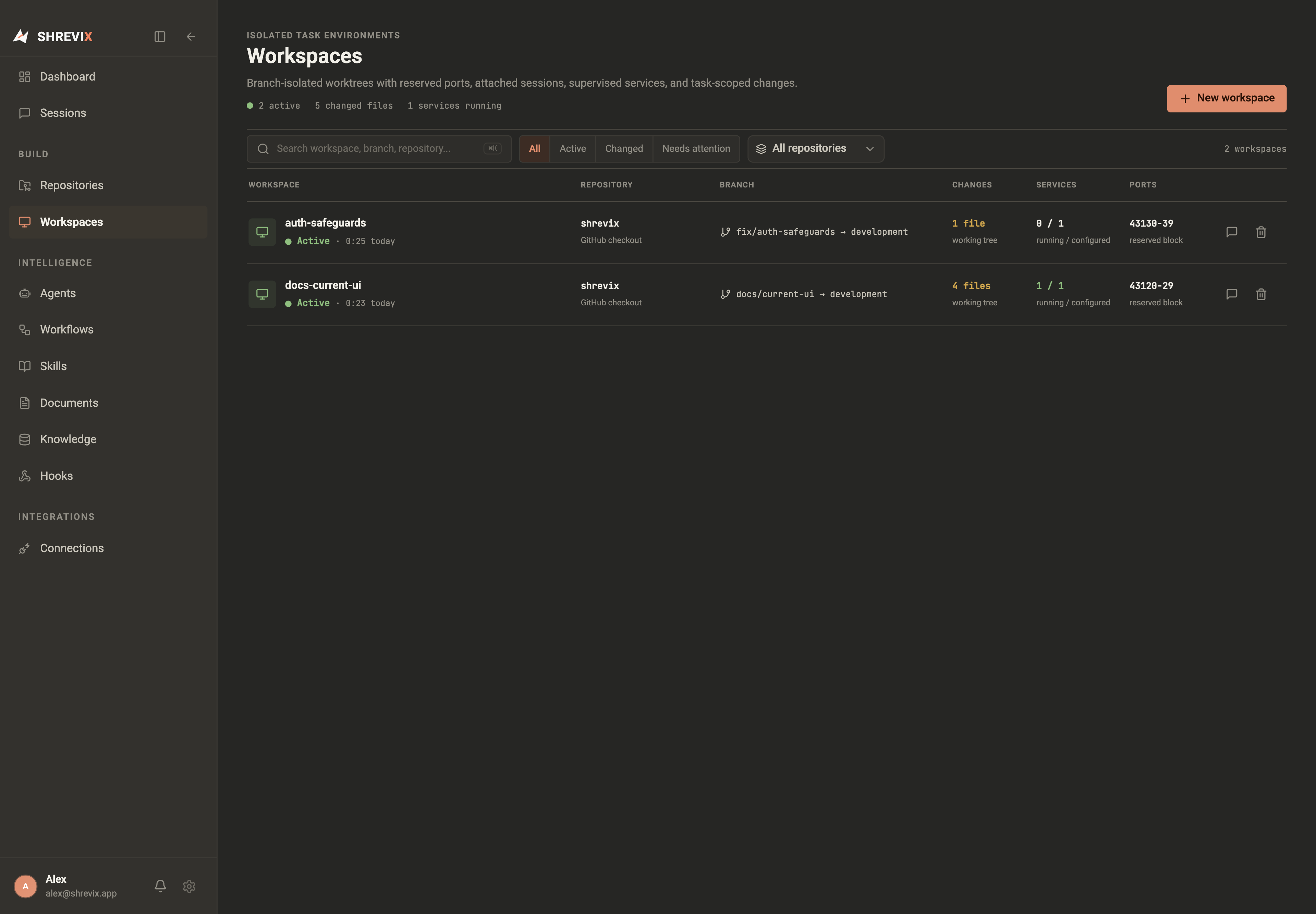
Section titled “Create a workspace”- Open Workspaces in the sidebar.
- In the New workspace card, pick the repository and name the task
(e.g.
task-auth). - Click Create workspace. It appears in the list with live branch state and in the composer’s workspace picker, ready for a conversation.
How it behaves
Section titled “How it behaves”- Every workspace is a real git worktree on its own branch.
- Each one owns a block of ports (e.g.
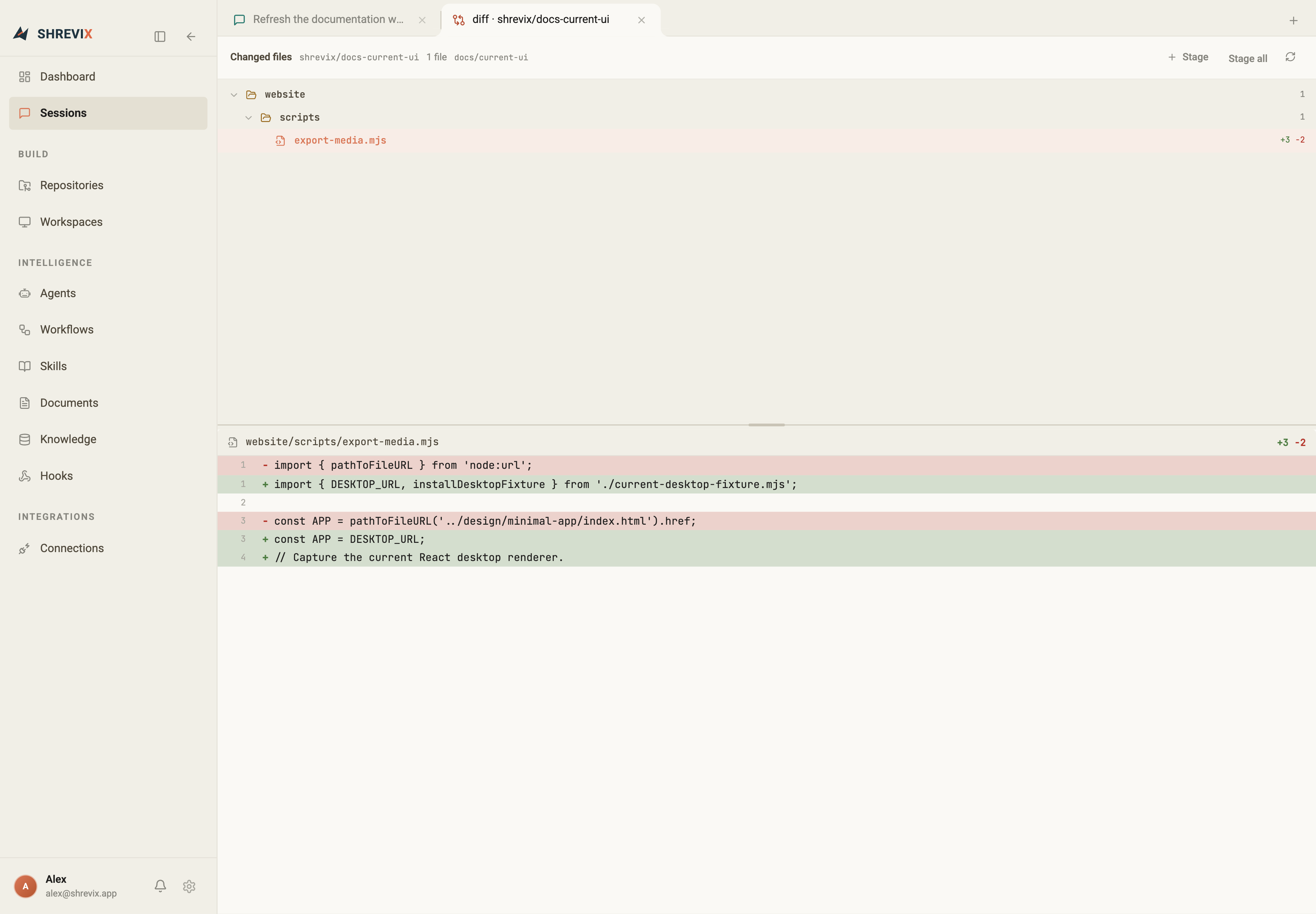
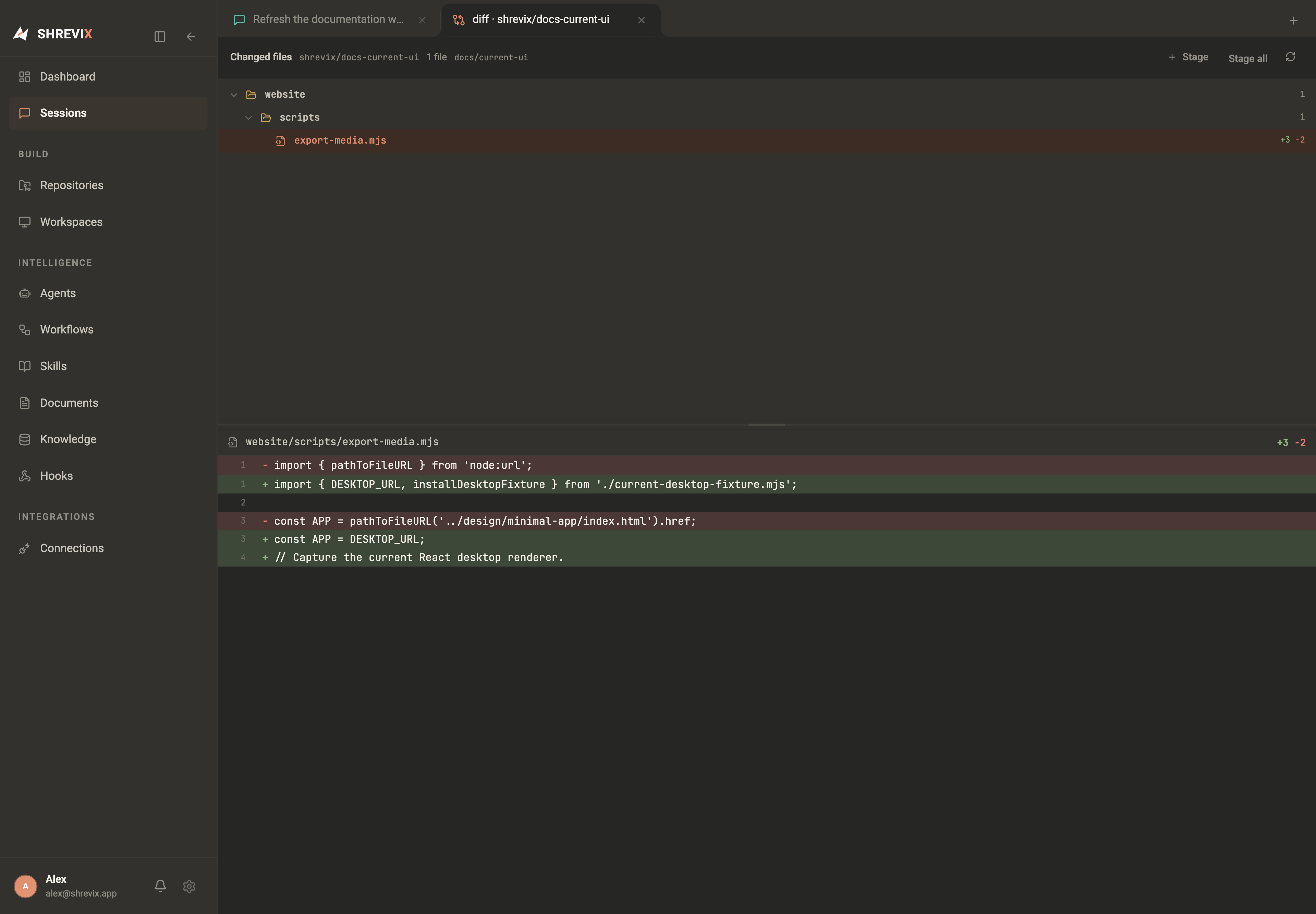
43000–09) so dev servers from parallel tasks don’t collide. - The workbench’s terminal, file explorer, and diff tabs all run against the conversation’s workspace.
- File and folder references in chat resolve against that workspace. A folder expands and becomes selected in the tree; a file is selected and opened in the editor. The integrated Workbench view keeps that navigation beside the conversation.
- Removing a workspace cleans up the worktree — the branch is always kept, so finished work survives as a normal git branch you can review, merge, or push.