Skills
A skill is a SKILL.md playbook loaded on demand. It has two important parts:
the trigger description that helps an agent decide when to load it, and the
Markdown instructions it follows after loading.
Browse the library
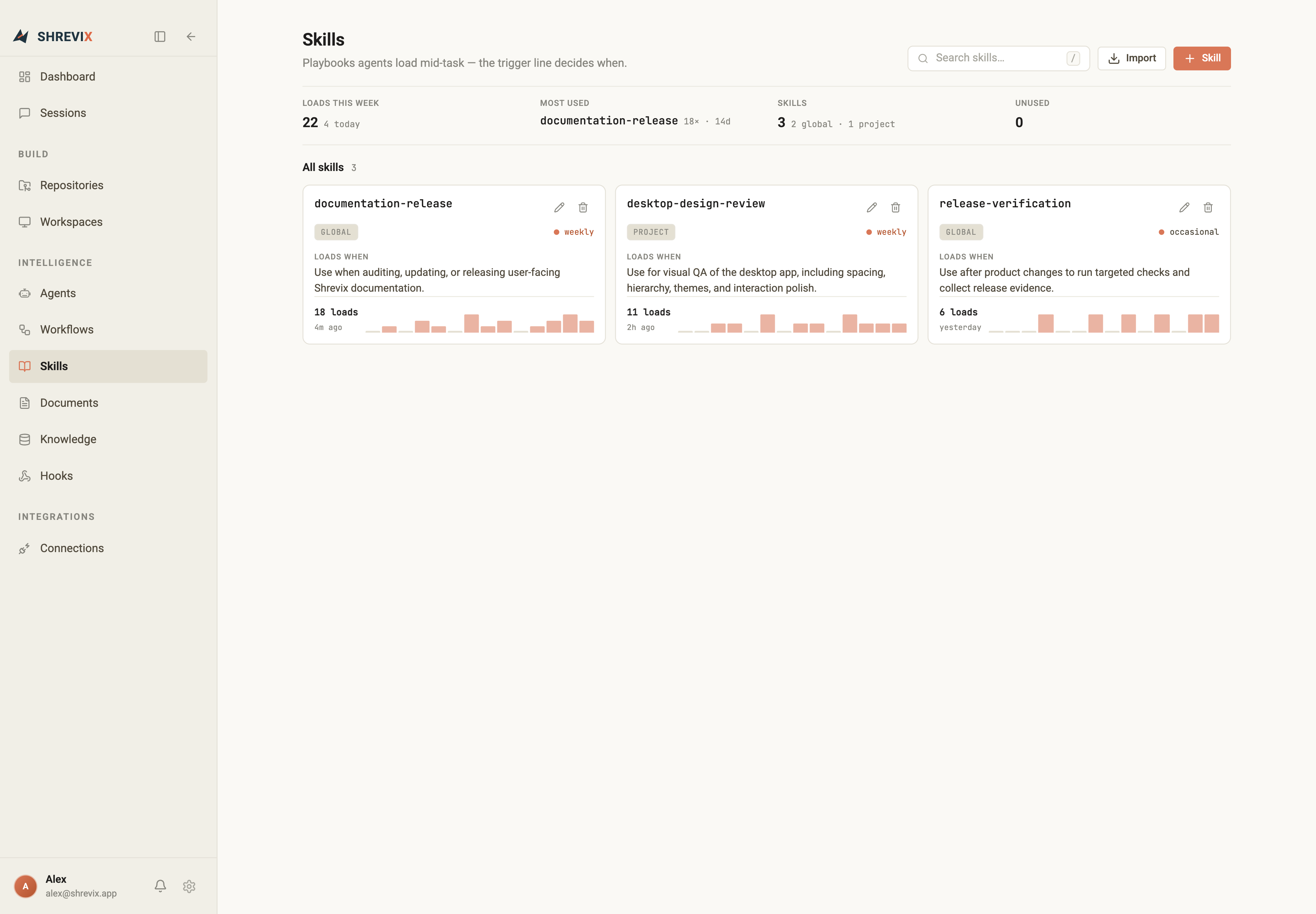
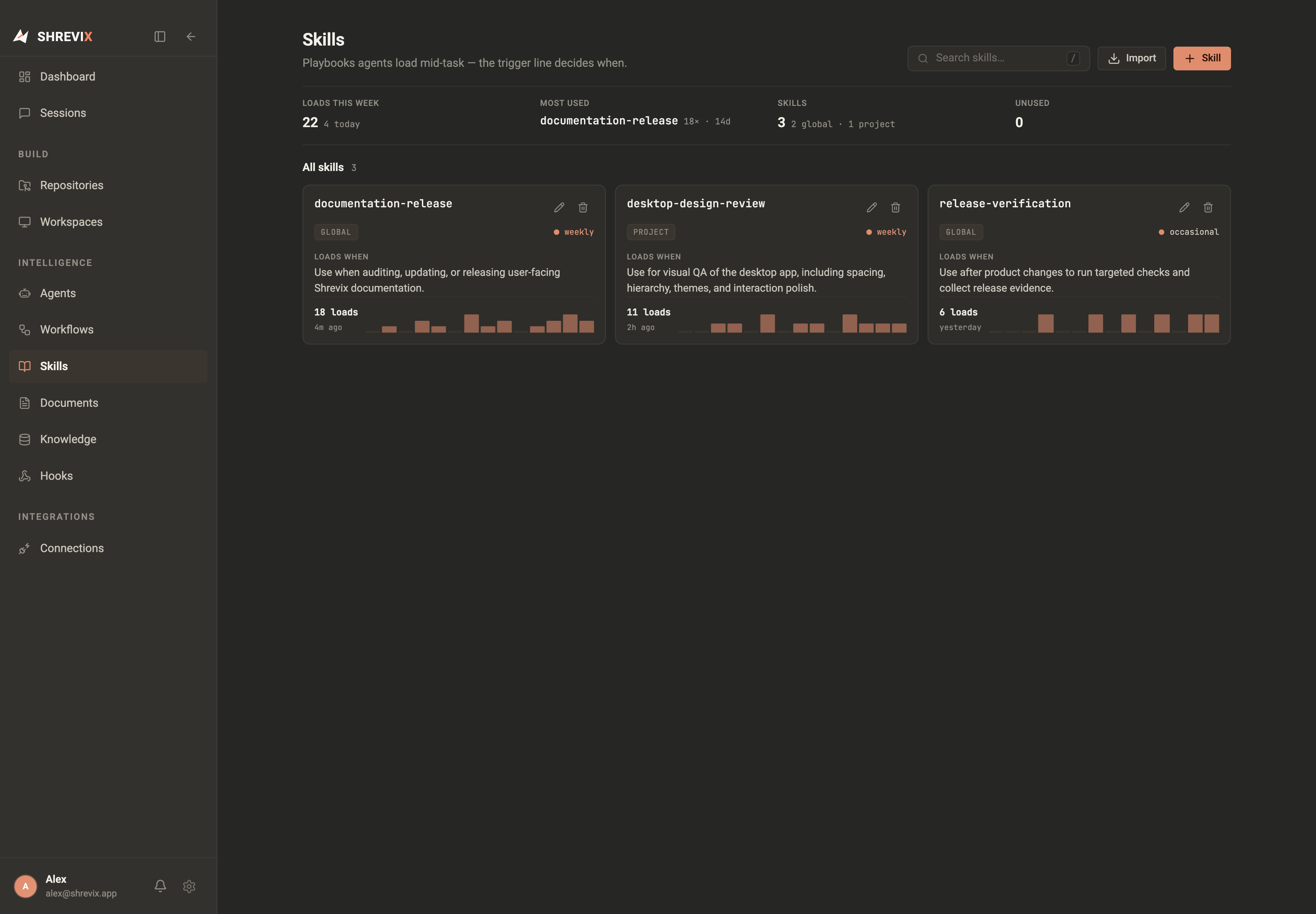
Section titled “Browse the library”The Skills page uses a compact three-column card layout at wide widths. Search by name or trigger, inspect global and project skills, and open usage details without turning the page into a table of filesystem paths.
Create or edit
Section titled “Create or edit”The editor separates identity, trigger, and playbook content. The Markdown field takes the remaining sheet height so long instructions are comfortable to edit. Use the icon-only Write and Preview controls to switch between the source and rendered Markdown.
You can also ask Shrevix in chat to list, load, create, update, or delete a global skill. Changes follow the active approval policy. Project-owned skills remain owned by their repository and cannot be deleted through the chat tool.
Import from a repository
Section titled “Import from a repository”Choose Import, select a registered repository, then pick its skill file. Shrevix copies the skill into its managed library and validates the name, trigger, and playbook before saving it.
Trigger quality matters
Section titled “Trigger quality matters”Skills do not load merely because their names contain a word. The agent matches how the user asks against the trigger description. Write that description like a routing rule: include the job, the relevant surface, and the boundary that separates it from neighbouring skills.
Scope and usage
Section titled “Scope and usage”- Global skills are available across repositories.
- Project skills belong to one repository context.
- Usage history shows whether a trigger is useful or never selected.
Deleting a skill uses the same compact confirmation pattern as other destructive actions; the folder is removed only after confirmation.