Hooks
Hooks are local rules attached to named points in an agent or workflow run. They make automation visible: what matched, what action ran, and whether it was allowed to affect the pipeline.
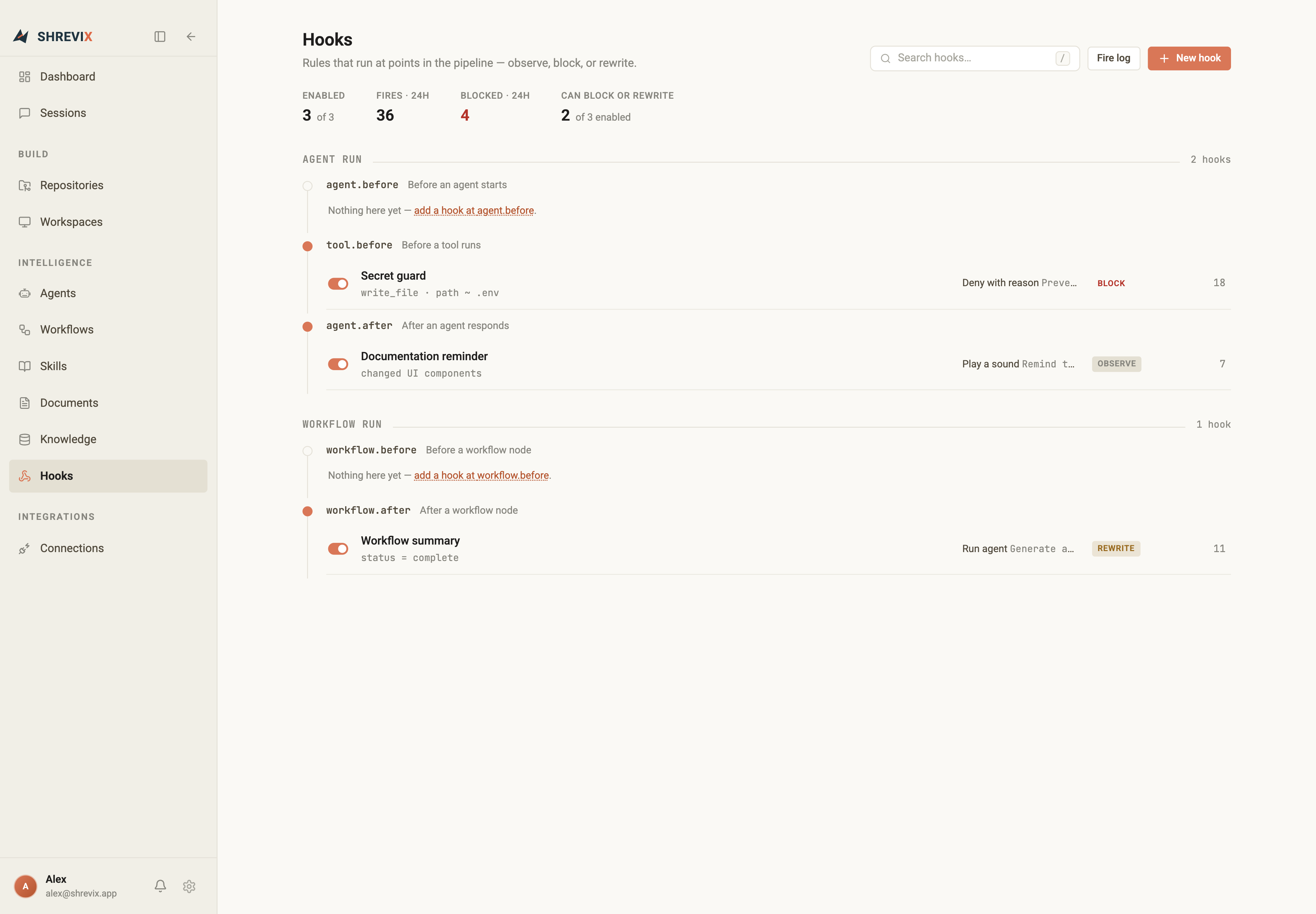
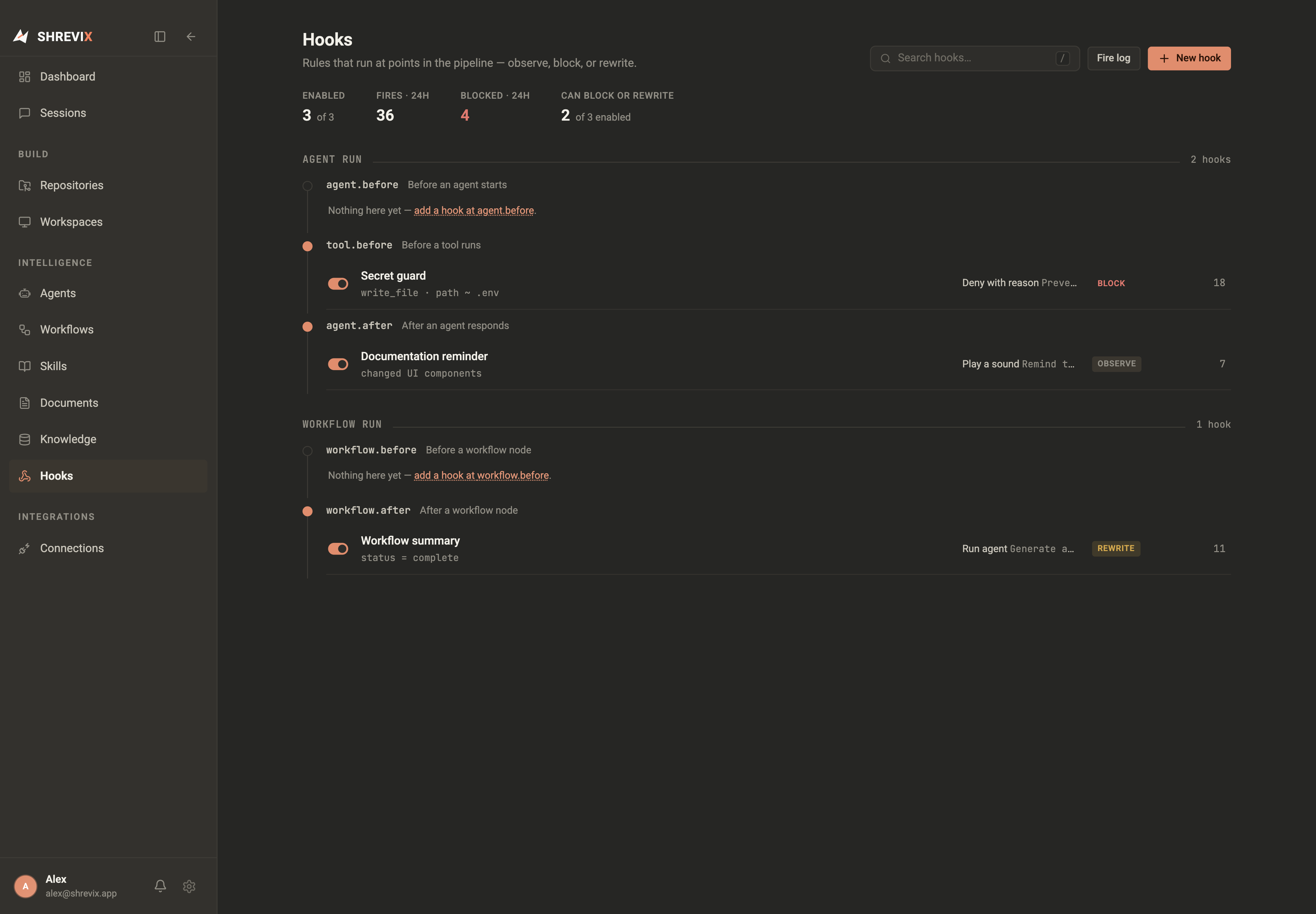
Choose a stage
Section titled “Choose a stage”The page separates Agent run and Workflow run stages. Add a hook beside the stage it should observe, then provide a matcher and action.
Power levels
Section titled “Power levels”- Observe records or notifies without changing the run.
- Block stops a matching action.
- Rewrite changes the matching payload before the next stage.
Powerful hooks are labelled clearly and included in the page’s compact stats. Disable a hook without deleting it when you need to test the pipeline without the rule.
Fire log
Section titled “Fire log”The fire log records recent matches, results, and failures. Use it to debug a rule before widening its matcher or giving it block/rewrite power.