Install Shrevix
Shrevix is delivered as a desktop app. macOS builds are available from the Shrevix download page. Choose the build that matches your Mac: Apple Silicon for M-series processors, or Intel for older Intel Macs.
Install the desktop app
Section titled “Install the desktop app”- Download the correct DMG from the download page.
- Open the DMG and copy Shrevix to Applications.
- Control-click Shrevix in Applications, choose Open, then confirm Open.
- Launch Shrevix normally after the first opening.
The current testing build is not yet signed or notarized with Apple, so macOS shows a publisher warning. Verify the SHA-256 file linked beside the download before opening it. Normal double-click installation will be enabled when Apple signing is added.
Sign in
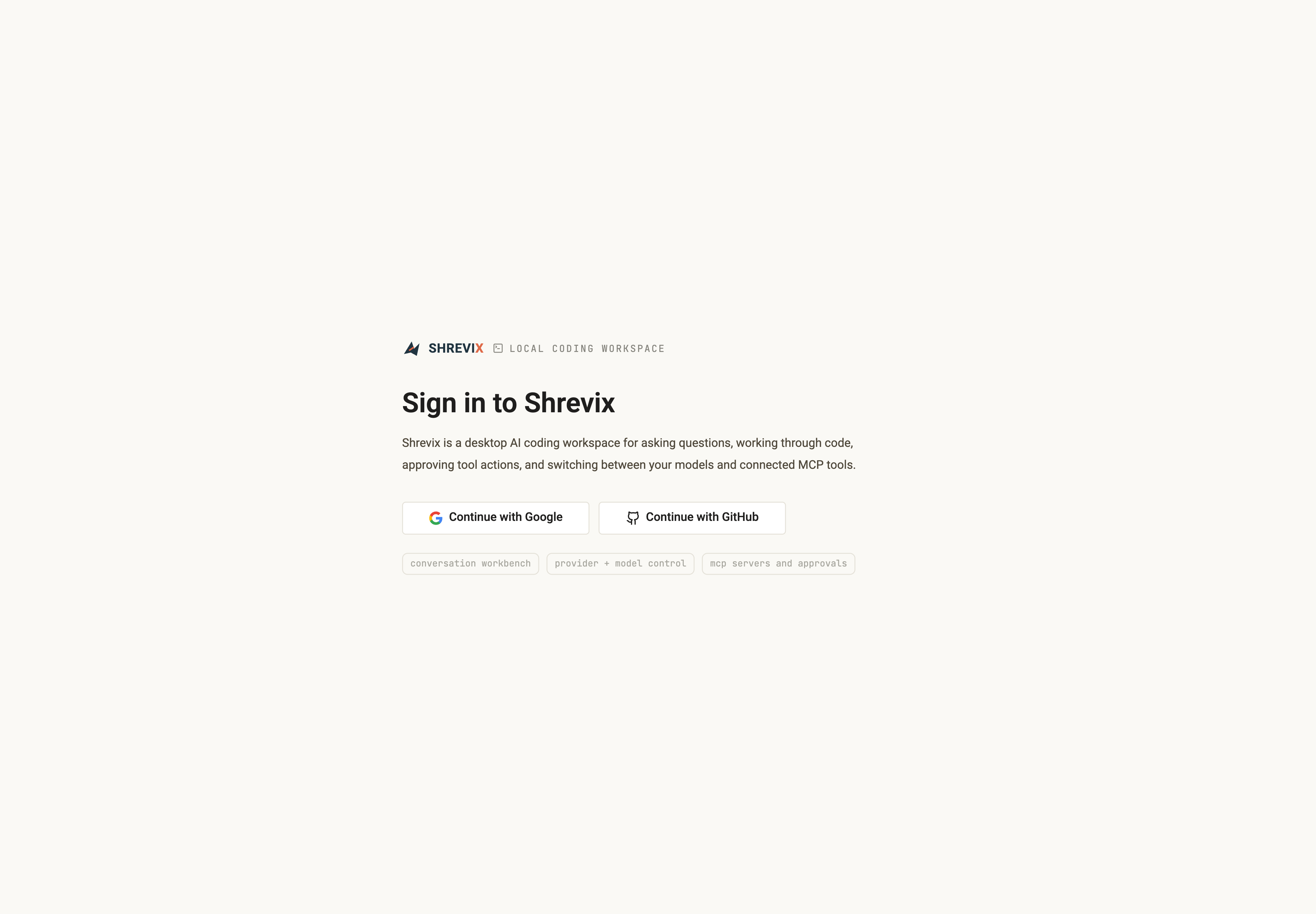
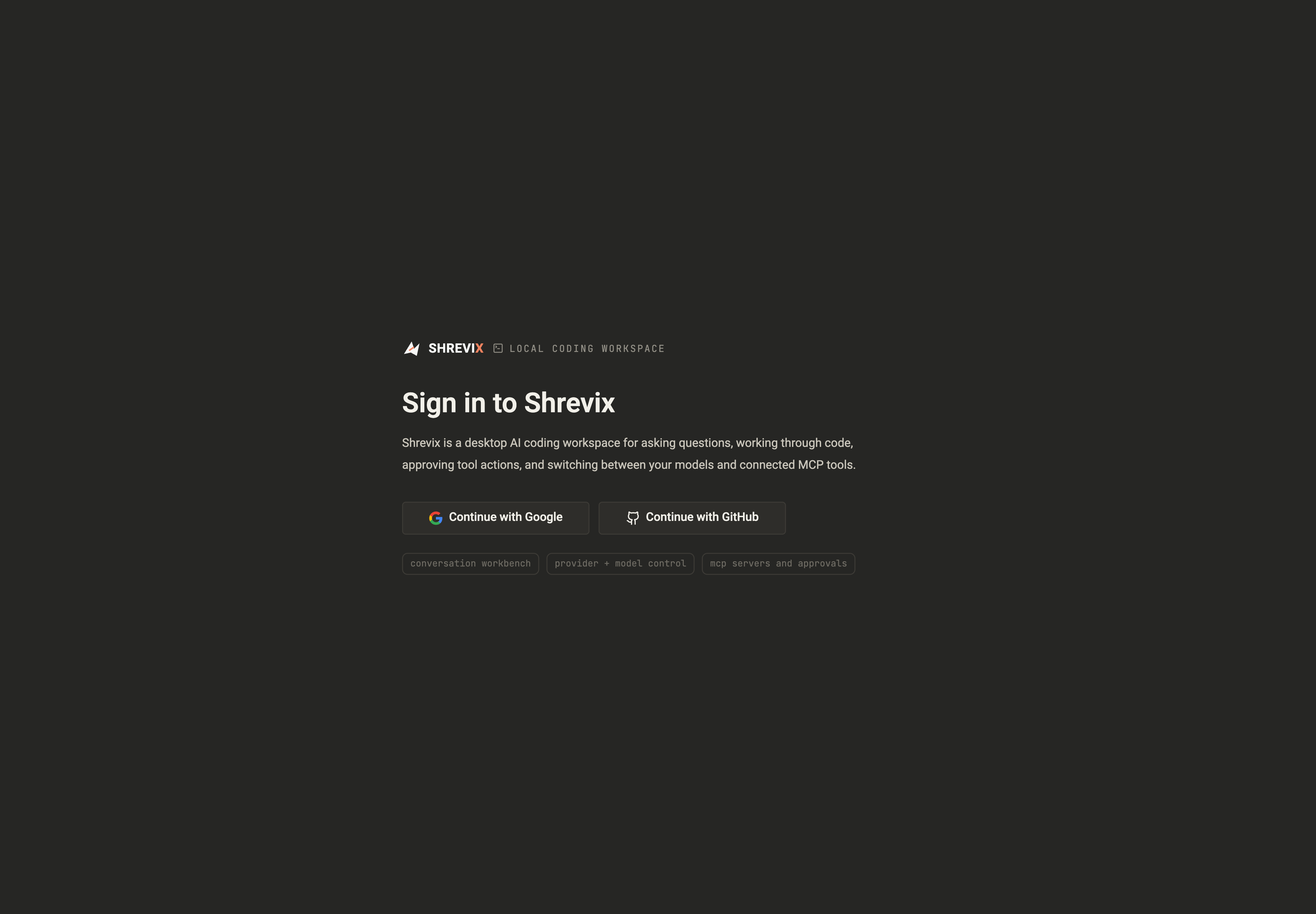
Section titled “Sign in”Choose Google or GitHub in the native app. Shrevix opens the provider flow and returns to the desktop after authorization. Login can be cancelled while it is in progress.
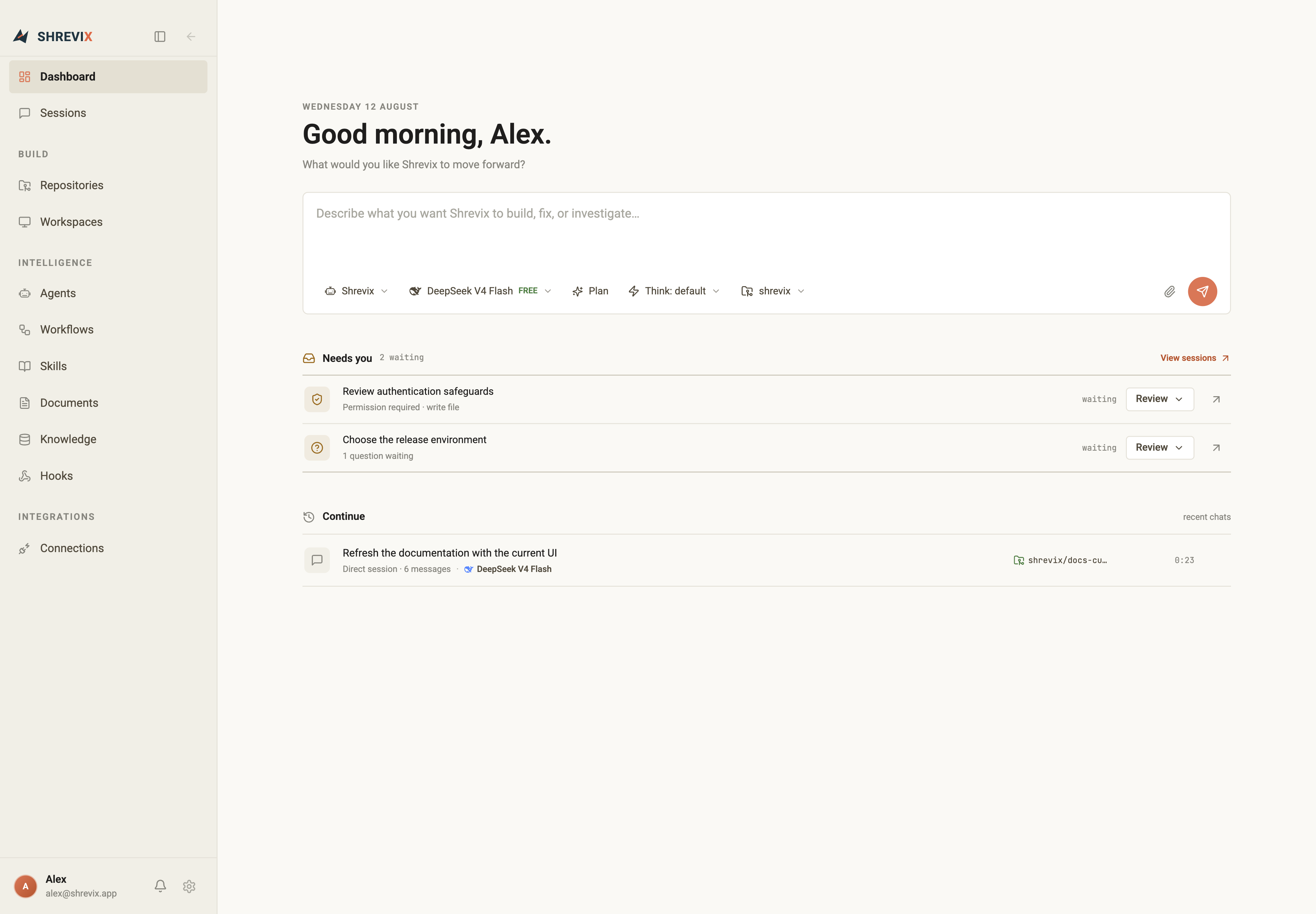
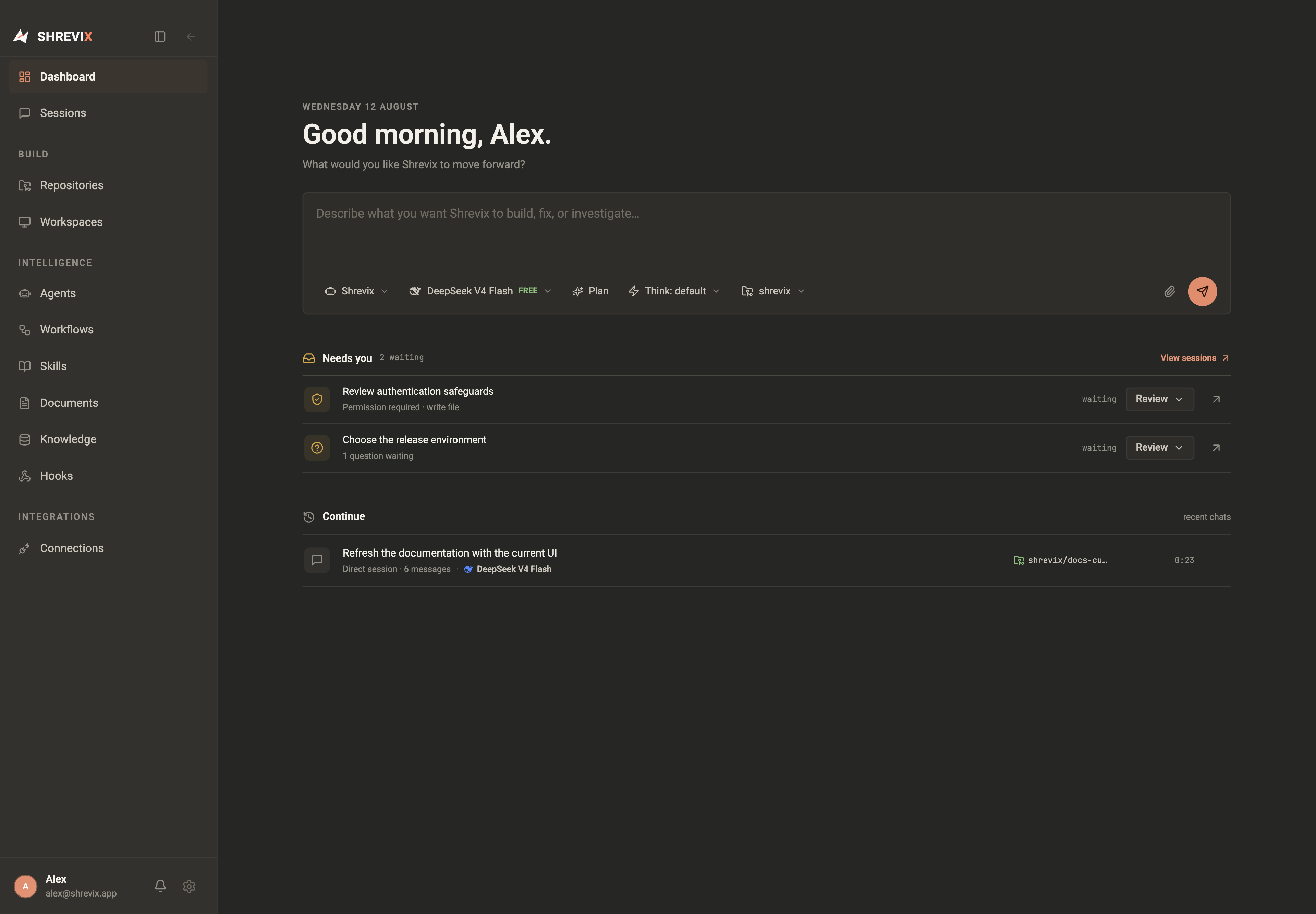
After sign-in, the dashboard shows the task composer, Needs you, and recent sessions.
Open a codebase
Section titled “Open a codebase”From the dashboard, open Repositories to connect a remote repository or add an existing local checkout. Create a workspace when you want a task to run on an isolated branch with its own ports and services.
Next step
Section titled “Next step”Configure a provider or local model in Models & keys.