First conversation
Point Shrevix at a repository, ask for a change, and approve your first diff — this takes about two minutes. Here’s the whole flow, end to end:
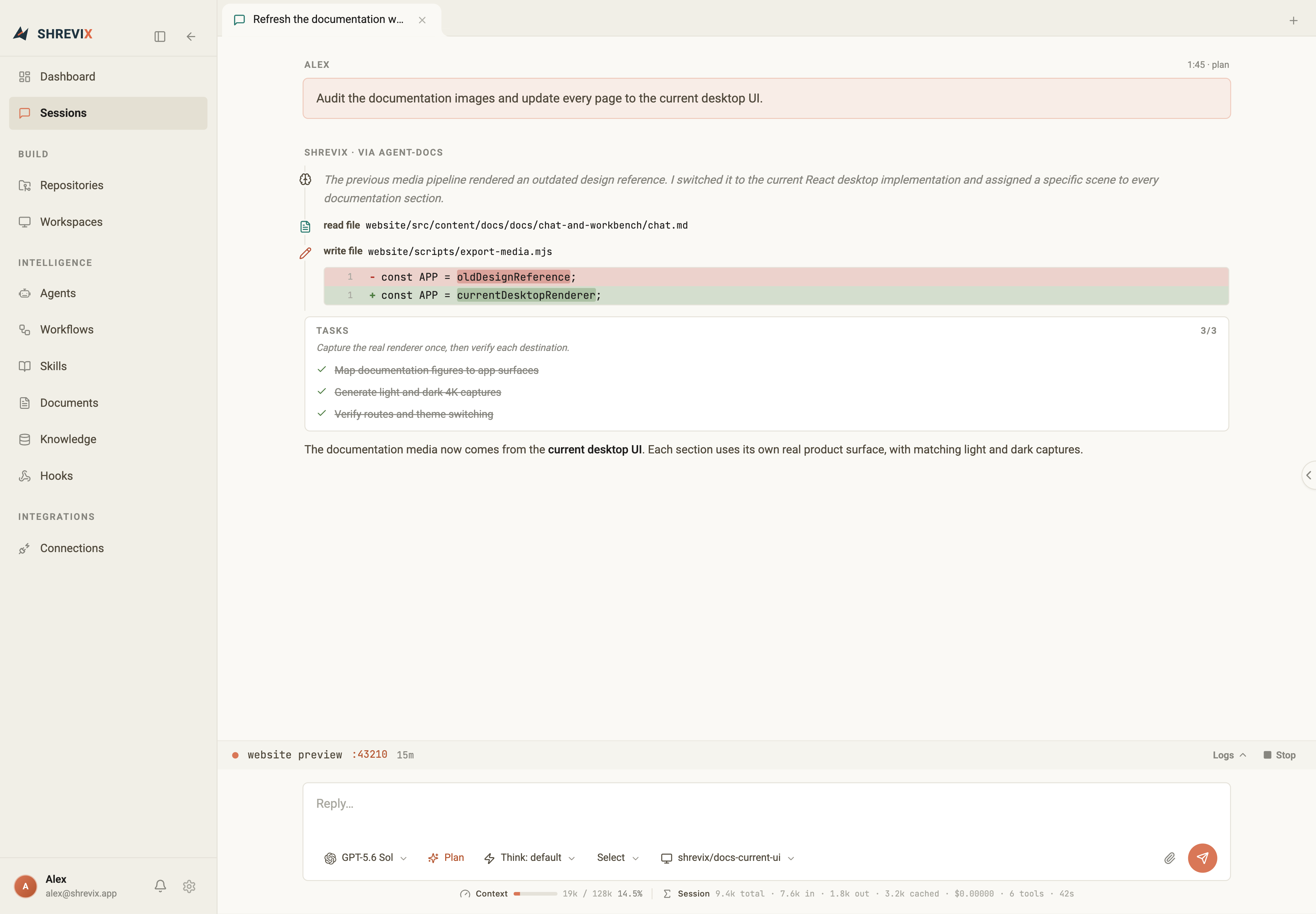
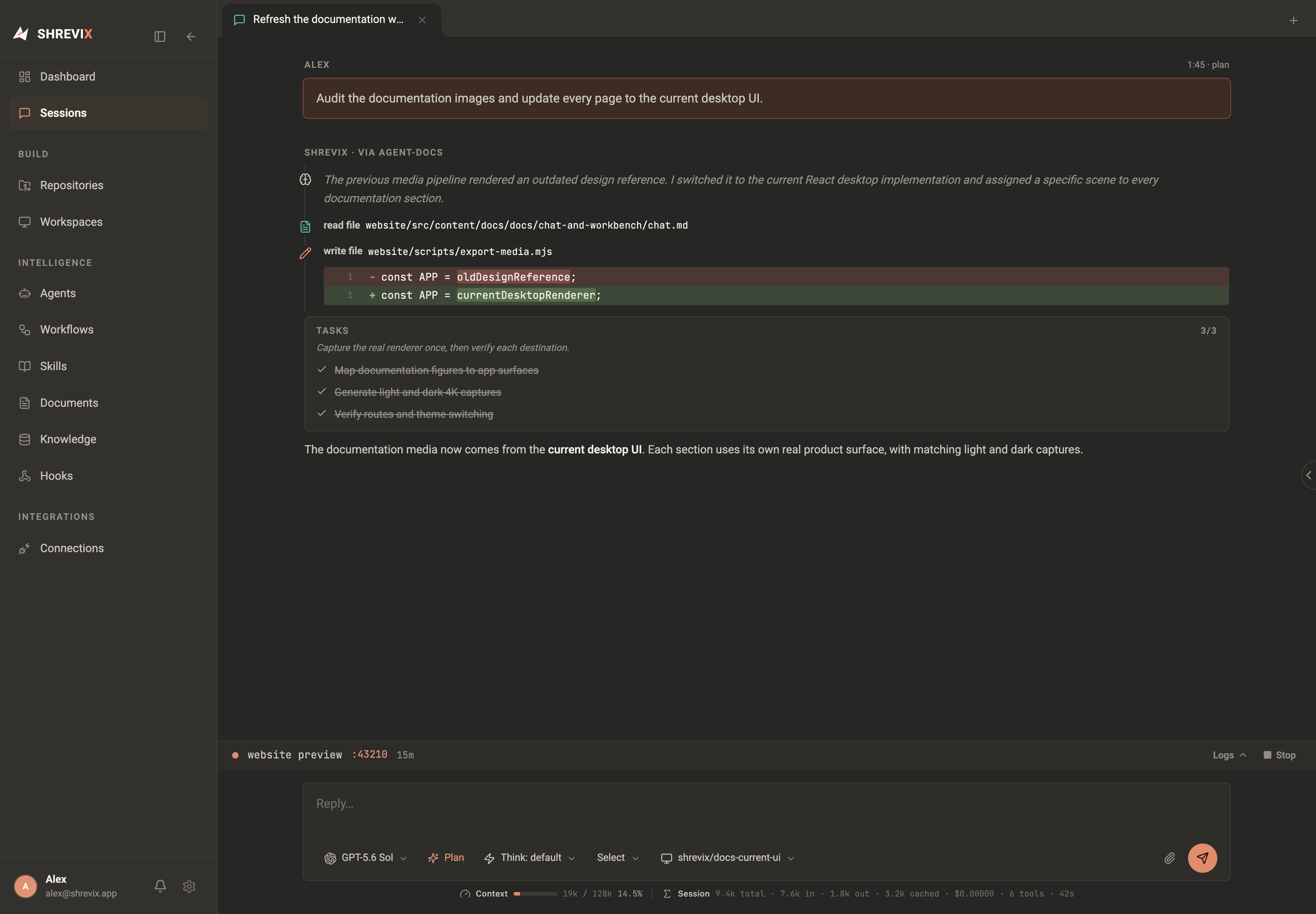
1. Pick a model and a workspace
Section titled “1. Pick a model and a workspace”Look at the bottom of the composer. Two pickers matter right now:
- the model — new chats use signed-in Codex Local · GPT-5.6 Sol by default; choose another configured provider or model in Models & keys when this task calls for it.
- the workspace — the repository or worktree used by the turn. Built-in file tools are confined to this root. Shell commands use the configured containment backend when available; host execution requires explicit opt-in and is not an operating-system sandbox. A primary Build session with Bypass enabled deliberately removes the workspace boundary; see Approvals & modes.
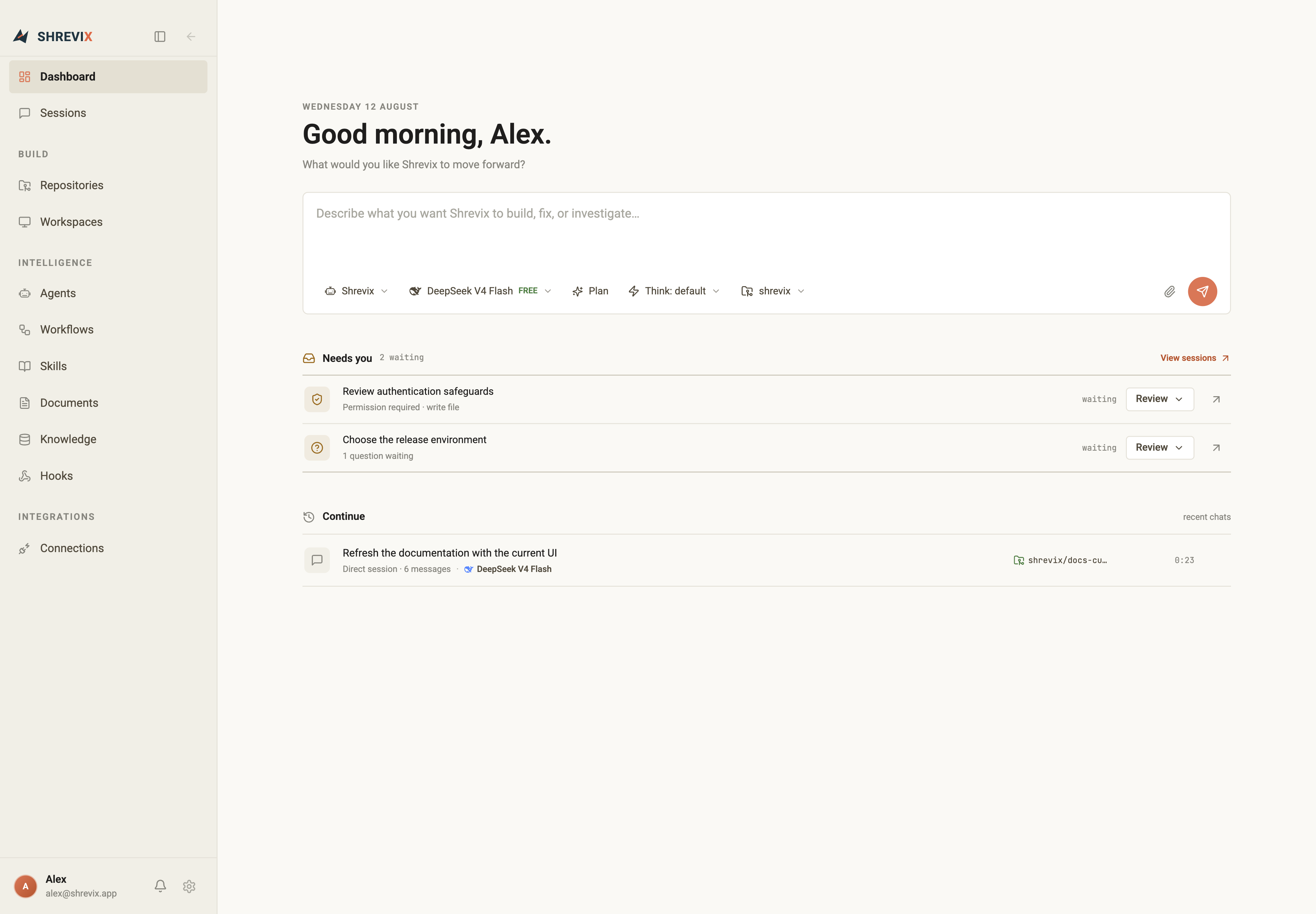
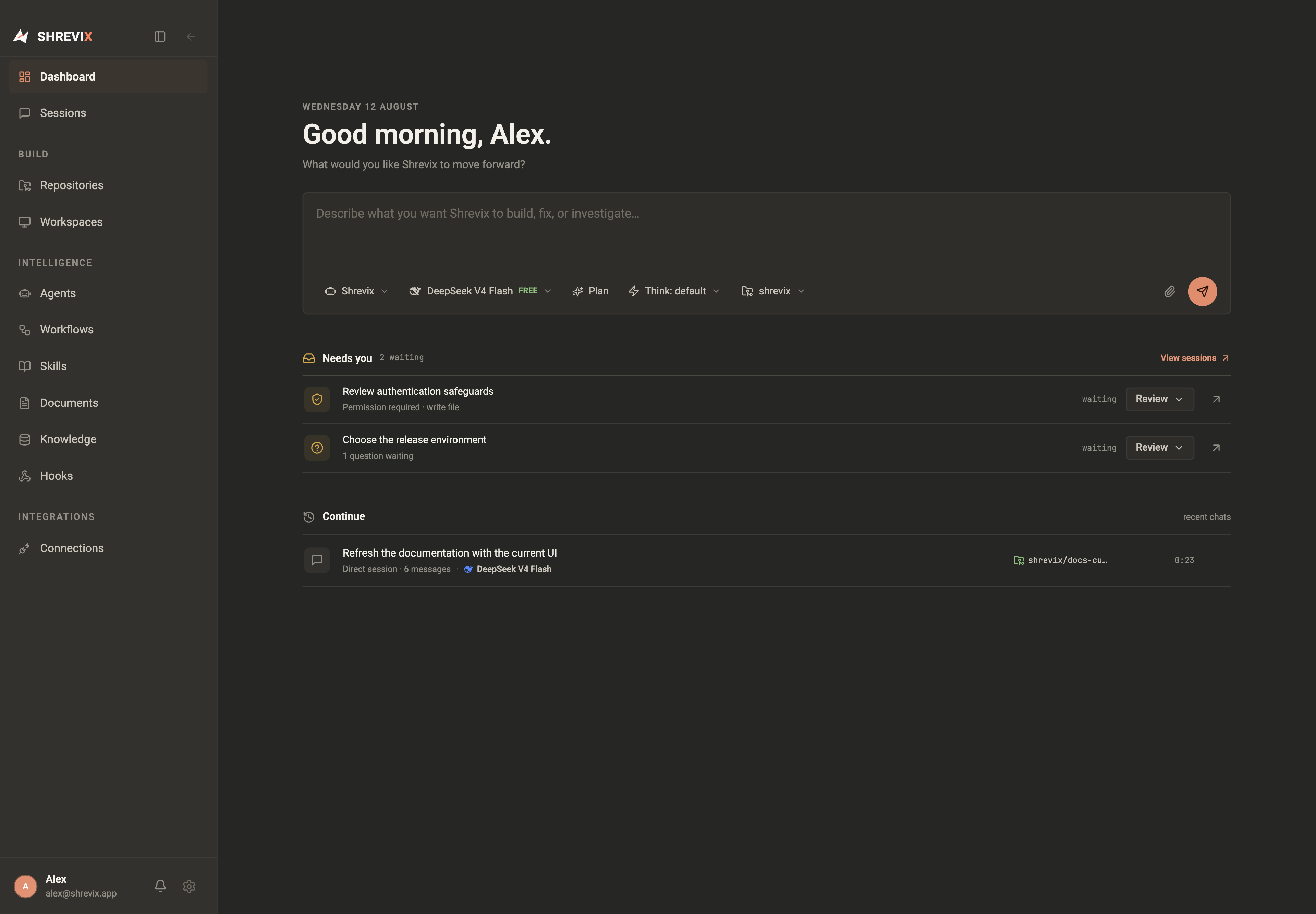
2. Ask for something real
Section titled “2. Ask for something real”- Type a concrete task —
implement a login form and run the buildworks better than “help me with auth”. - Press Enter. Shrevix picks the capabilities it needs — reading files, searching code, running commands — and shows every step as it goes.
- Watch the tool calls stream in. Nothing is hidden: every file read, every search, every command is a visible row in the transcript, with its result summarized underneath. For anything multi-step, a task list appears too and checks off as the agent works — you always know which step it’s on.
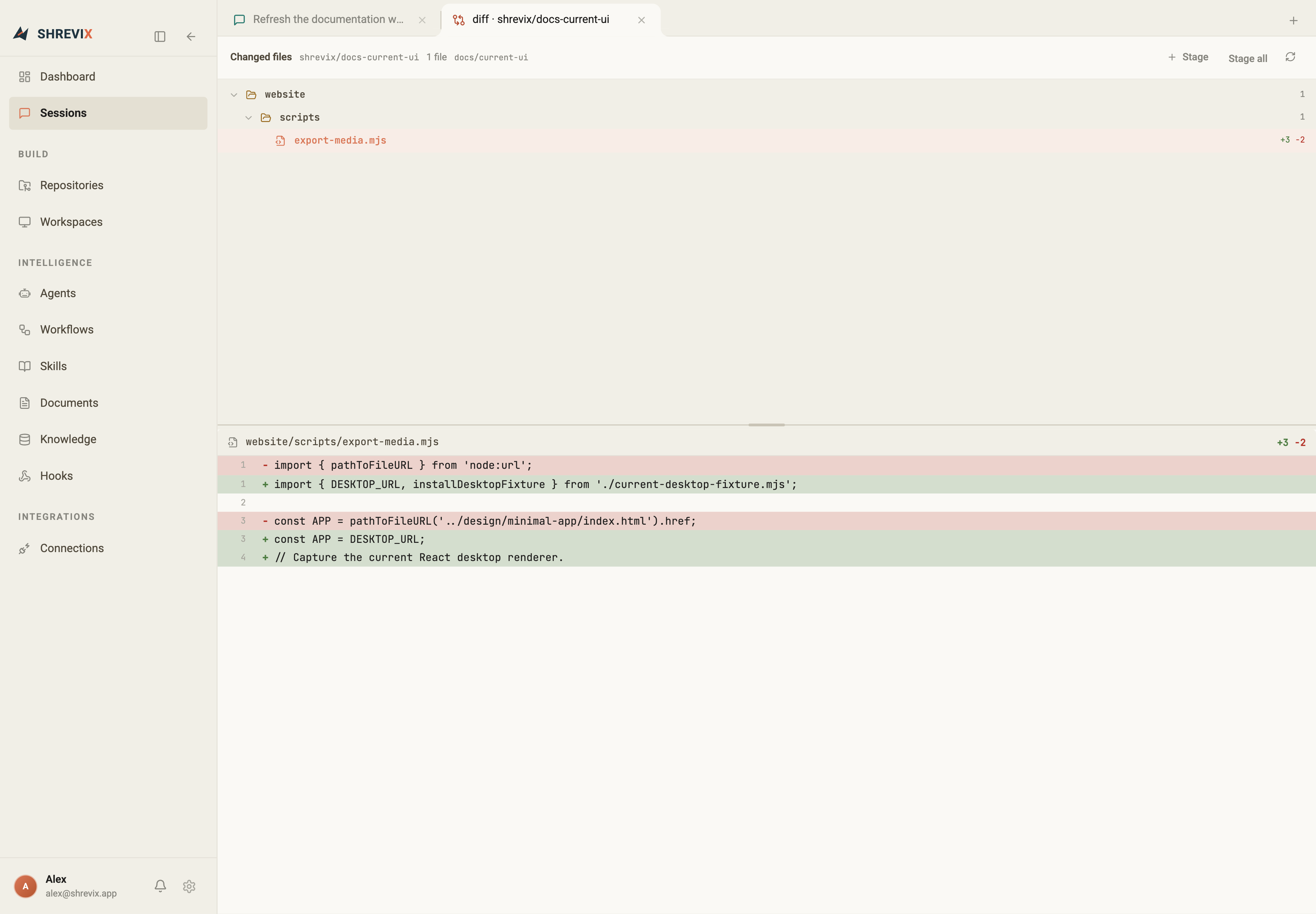
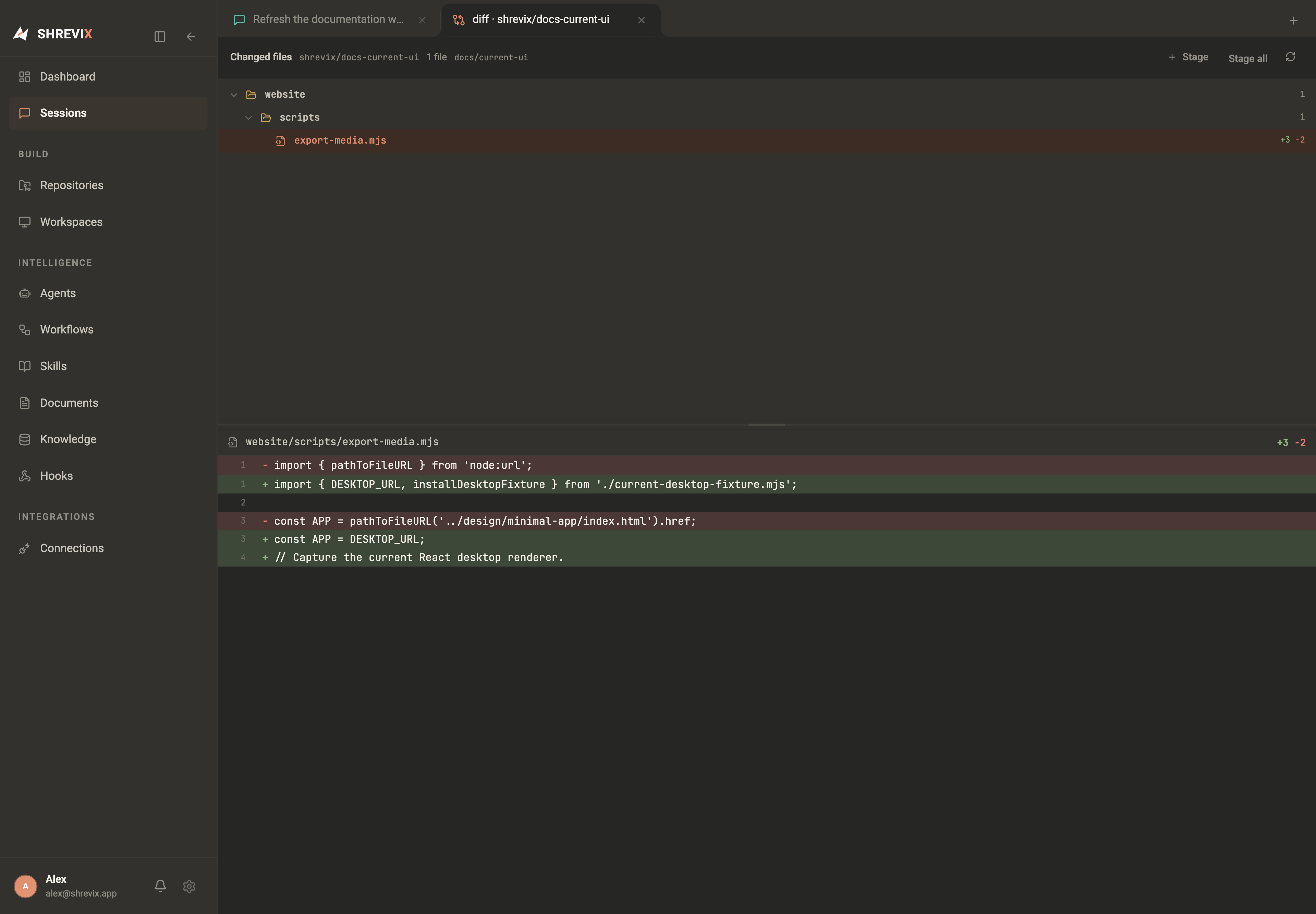
3. Approve the diff
Section titled “3. Approve the diff”With Bypass permissions off (the default), a requested file change stops at the tool call. You get the full diff and a permission card; that write is not applied until you approve it. Enabling Bypass under Settings → Agent & runtime deliberately removes this pause for Build turns.
- Approve applies exactly the change you saw.
- Deny rejects it; tell the agent what to do differently and it adjusts.
4. Keep going
Section titled “4. Keep going”The run streams live — and you stay in control. Type and send another message while the agent works to add guidance to the active turn. Leave the input empty to reveal the Stop button when you need to interrupt instead. When the task is done, the conversation stays as a resumable session on your dashboard, and the work sits on the workspace’s branch, ready to review and merge.