Repositories
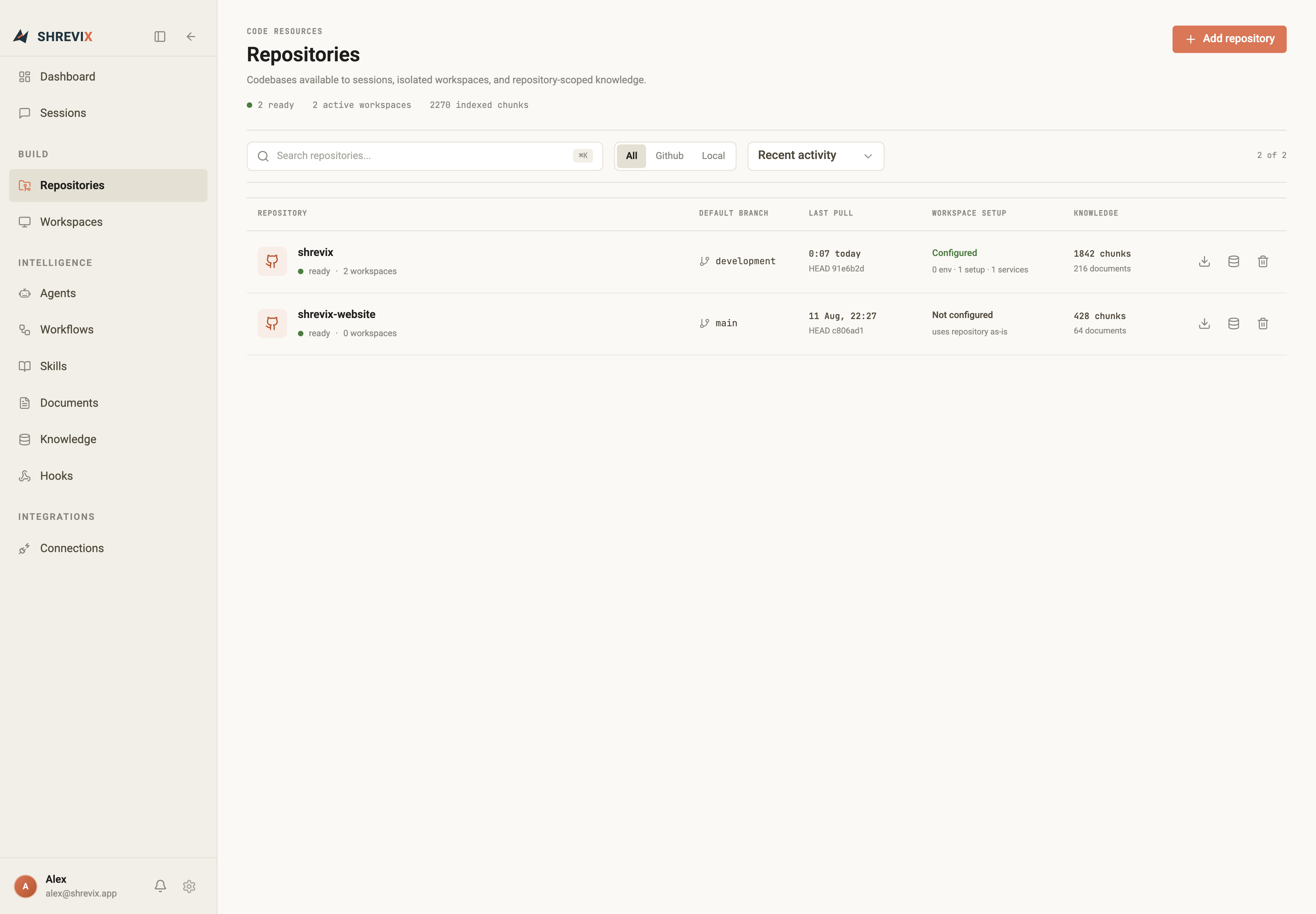
A repository is a codebase Shrevix knows about. Onboarding one unlocks workspaces, repo-scoped knowledge, and code intelligence.
Onboard a repository
Section titled “Onboard a repository”- Open Repositories in the sidebar and click Add repository.
- Either:
- paste a GitHub URL — uses your GitHub connection, so there’s no token pasting; Shrevix clones and manages the checkout, or
- pick a local path — an existing checkout registers in place, and Shrevix never moves it.
- Watch the progress lines — clone, scan, index — and the repo appears in the list with its branch state.
What happens on onboarding
Section titled “What happens on onboarding”- The repo’s docs are auto-indexed into repo-scoped knowledge, so answers can cite your README, ADRs, and internal guides immediately.
- The repository becomes available in the composer’s workspace picker.
- Language servers warm up per worktree, powering code intelligence — find symbol, find references, safe renames, diagnostics after every edit.
Next step
Section titled “Next step”Create an isolated workspace per task instead of working on your checkout.