What is Shrevix
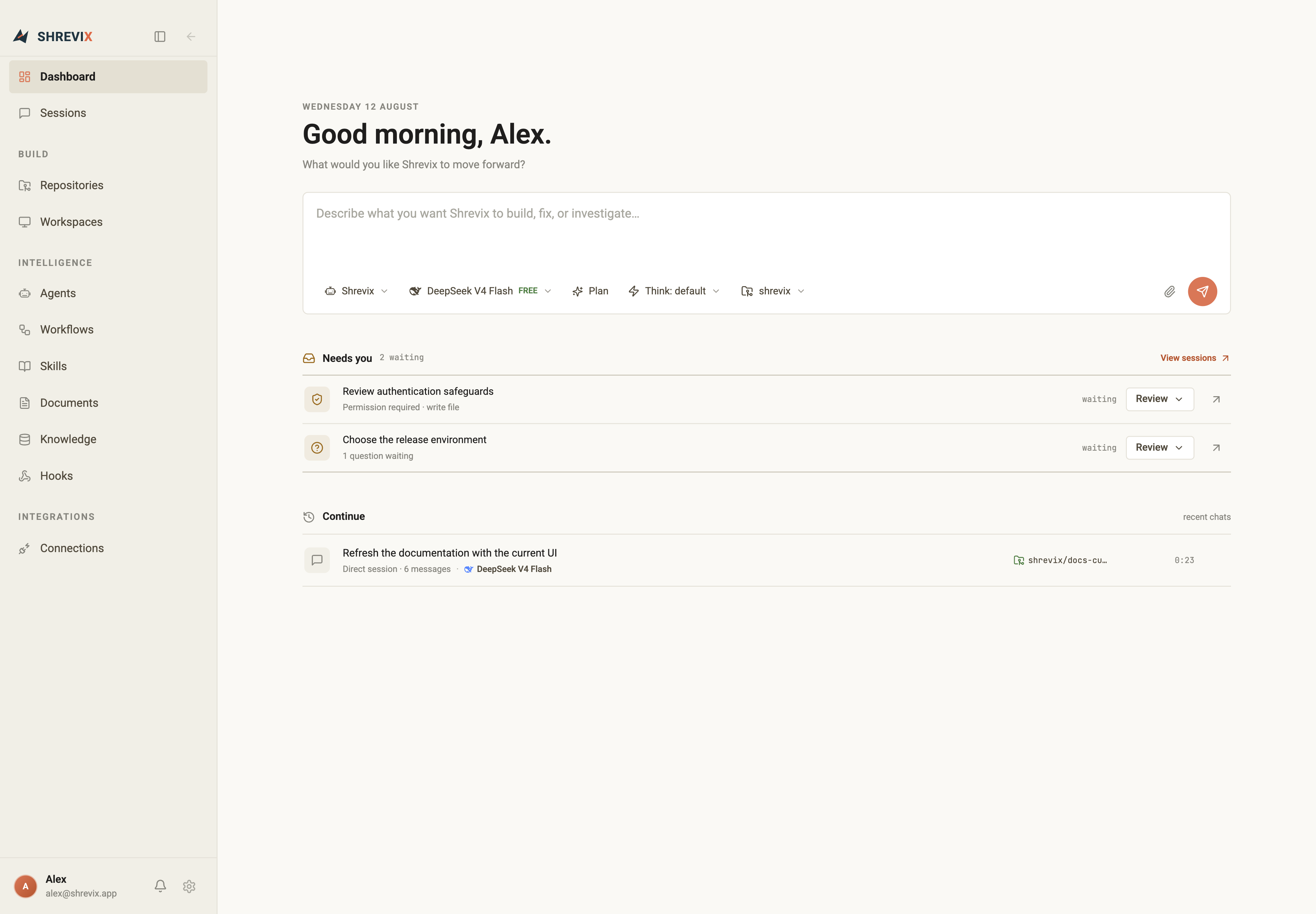
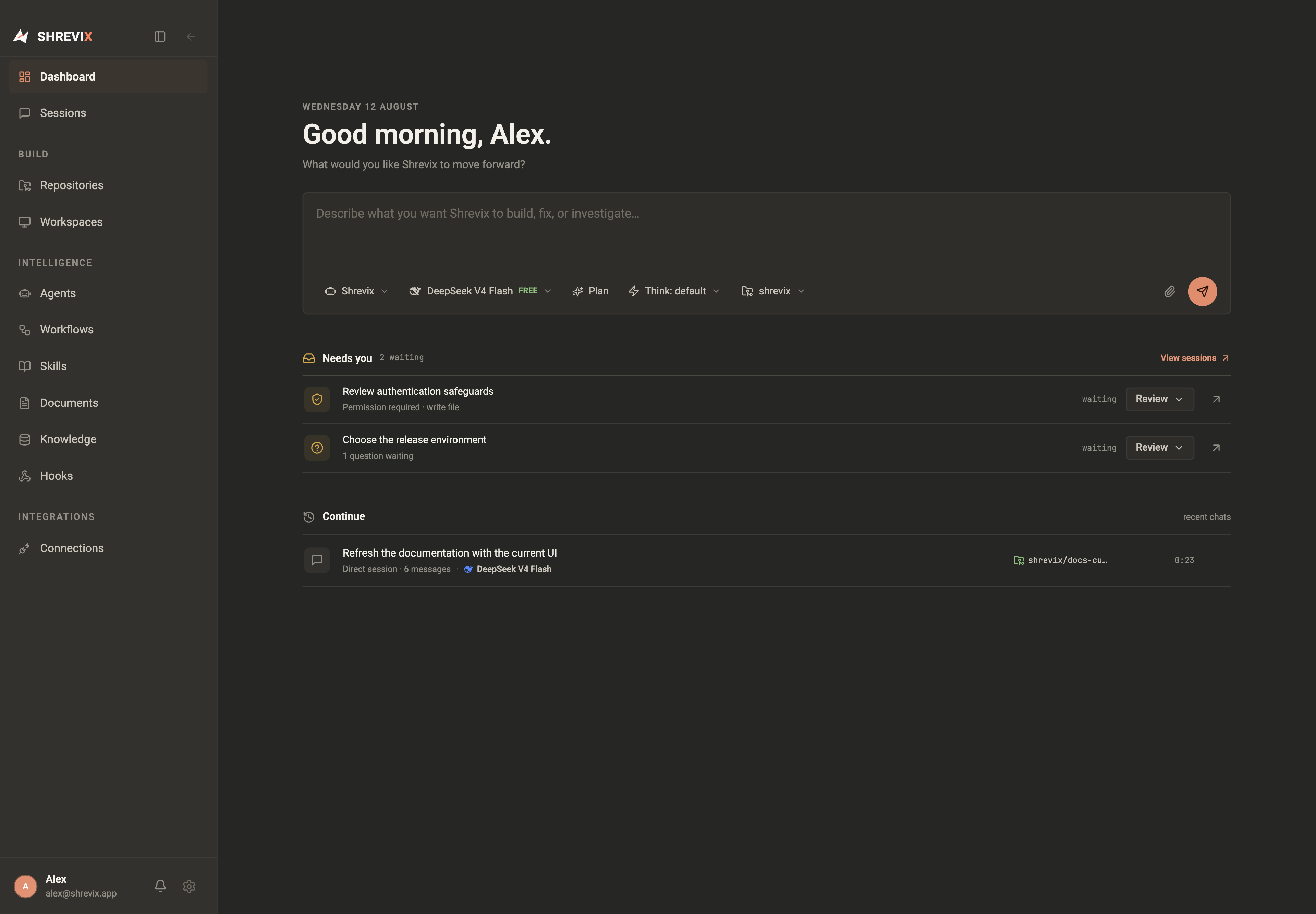
Shrevix is a coding + knowledge agent in a desktop app. You give it an instruction; it picks the right capability — reading and editing code, running commands, searching your private knowledge or the web, looking at an image — and shows every step as it goes.
What makes it different
Section titled “What makes it different”- Subscription, built-in, and compatible providers. Codex Local and Claude Local can use their respective signed-in subscriptions, while DeepSeek, Gemini, OpenRouter, OpenCode Zen, Kimi, GLM, NVIDIA, Ollama, and LM Studio are registered in the app. Custom OpenAI-compatible endpoints can also be added.
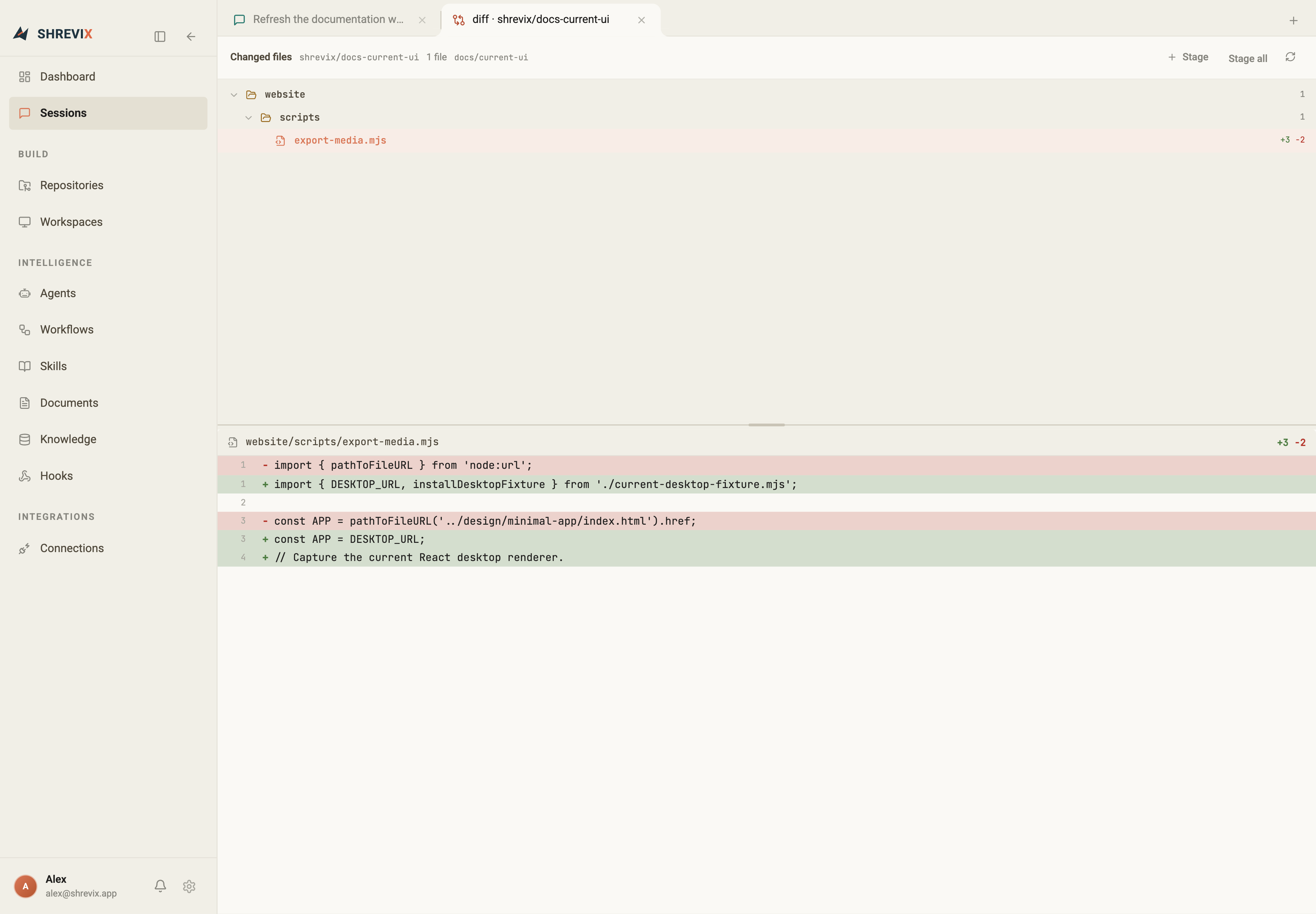
- Approval-gated by default. File edits show a diff first. Shell commands and MCP calls wait unless the selected mode or an explicit MCP allowlist says otherwise. The gate is enforced in code, not prompts.
- Local-first. State lives on your disk and knowledge embeddings are computed locally on CPU. A remote model still receives the prompt and selected context needed to answer; a local model keeps inference on-device.
- An org, not a bot. Agents form teams with leads that inspect the roster, route to the right specialist, and run independent assignments in parallel. Each child keeps a separate, openable conversation.
- Separate workspaces. Each task can use its own git worktree and branch. This separates task changes; shell execution is approval-gated host execution, not an OS security sandbox.
- Remote when you need it. Pair a phone, tablet, or browser to continue sessions, approve actions, follow delegated agents, and read files or documents while execution remains on the desktop.
A tour of the window
Section titled “A tour of the window”Everything lives in one window, organized down the sidebar:
| Page | What it’s for |
|---|---|
| Dashboard | Greeting, new-task composer, Needs you queue, recent sessions |
| Sessions | Searchable, resumable conversation history |
| Repositories | Onboard codebases from GitHub or a local path |
| Workspaces | Isolated worktrees, one per task |
| Agents | The org chart: teams, leads, agent profiles |
| Workflows | Durable multi-step definitions, triggers, runs, and human gates |
| Skills | Reusable Markdown playbooks the agent can load on demand |
| Knowledge | Your ingested documents, stats, and semantic search |
| Documents | Plans, PRDs, and reports your agents produce — versioned, commentable |
| Hooks | Observe, block, or rewrite events at explicit run stages |
| Connections | Search and authorize external services and MCP integrations |
Alongside every chat you can open tabs for editable files, Markdown preview, quick file and workspace search, named terminals, code viewers, and diffs. Or switch the conversation to Workbench view to keep the explorer and editor above a compact chat and tabbed terminals — all scoped to the conversation’s workspace unless you explicitly enable Bypass.
Where to go next
Section titled “Where to go next”Install the app, set up a model key, then run your first conversation. When the desktop workflow is ready, pair another device.