Dashboard & sessions
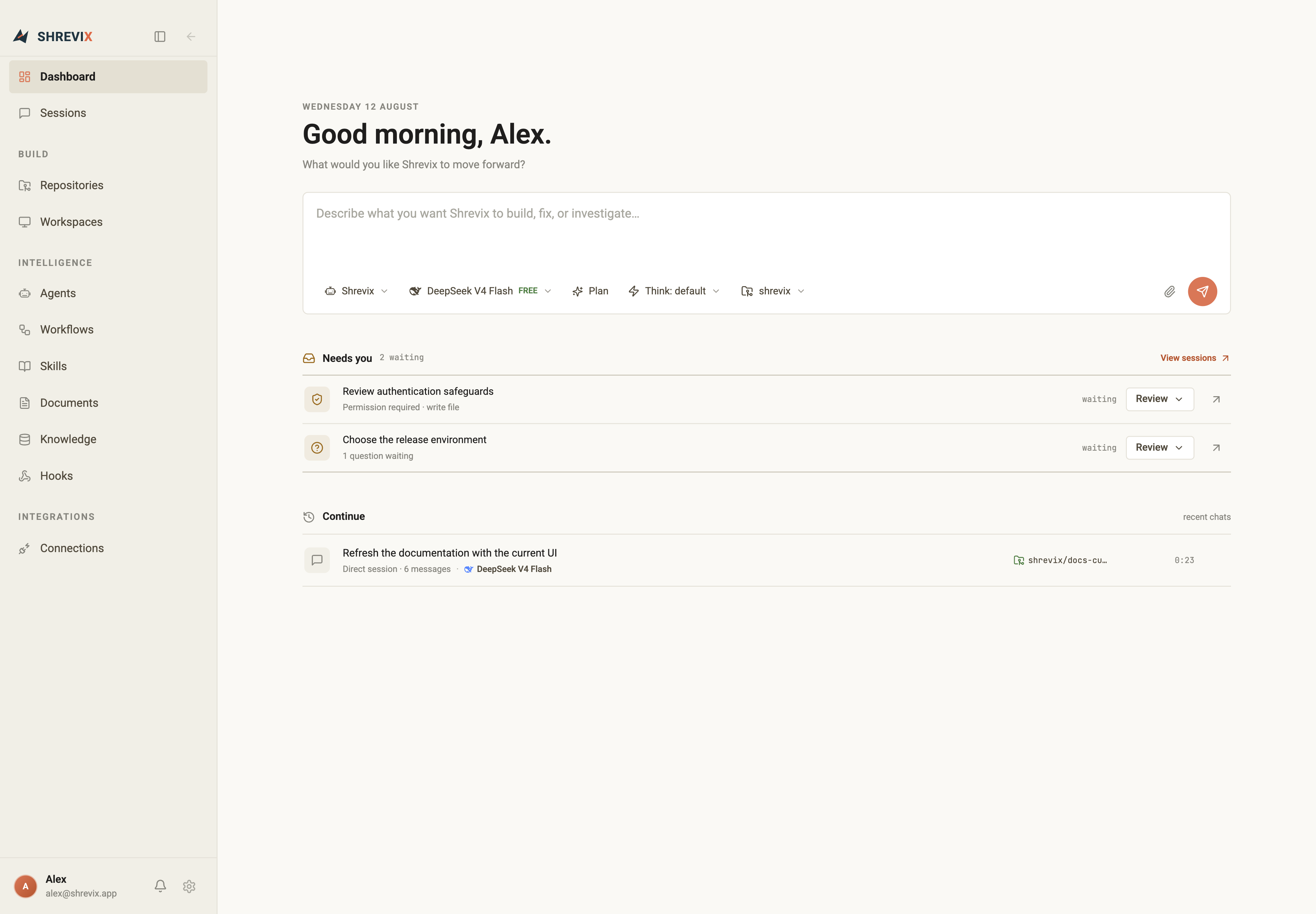
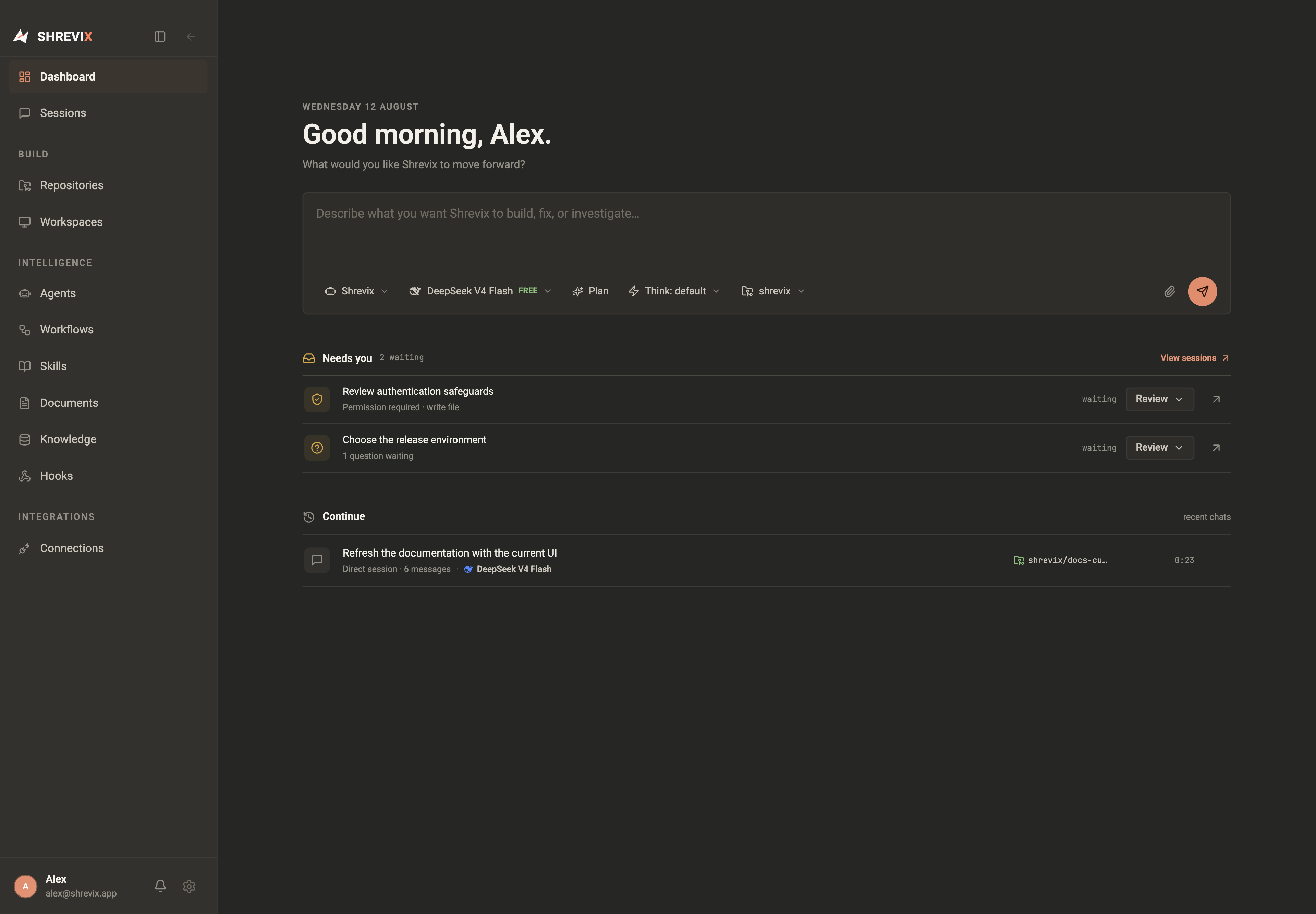
The dashboard is the quickest way to start or resume work. It keeps four things in one column: the greeting, a new-task composer, Needs you, and recent sessions.
Start from the dashboard
Section titled “Start from the dashboard”The dashboard composer uses the same model, reasoning, plan-mode, agent, and workspace controls as a conversation. Attach context, describe the outcome, and Shrevix opens the new session in the workbench.
Needs you
Section titled “Needs you”Needs you collects active sessions that cannot continue without a person:
- a tool call is waiting for approval,
- an agent asked a question, or
- a durable run reached a human checkpoint.
Choose Review, Answer, or Continue to open the exact conversation at the waiting event. Answering from the dashboard updates the same tool call; it does not create a duplicate question in chat.
Continue recent work
Section titled “Continue recent work”The Continue list shows the latest active sessions with their model, workspace, state, and update time. A message count represents user/assistant exchanges; internal tool calls are turns inside an exchange and do not inflate it.
The Sessions page
Section titled “The Sessions page”Open Sessions for the full history. You can search titles and transcript content, filter by state, resume a session, archive finished work, or remove a session after confirmation. Running and waiting sessions update in place.
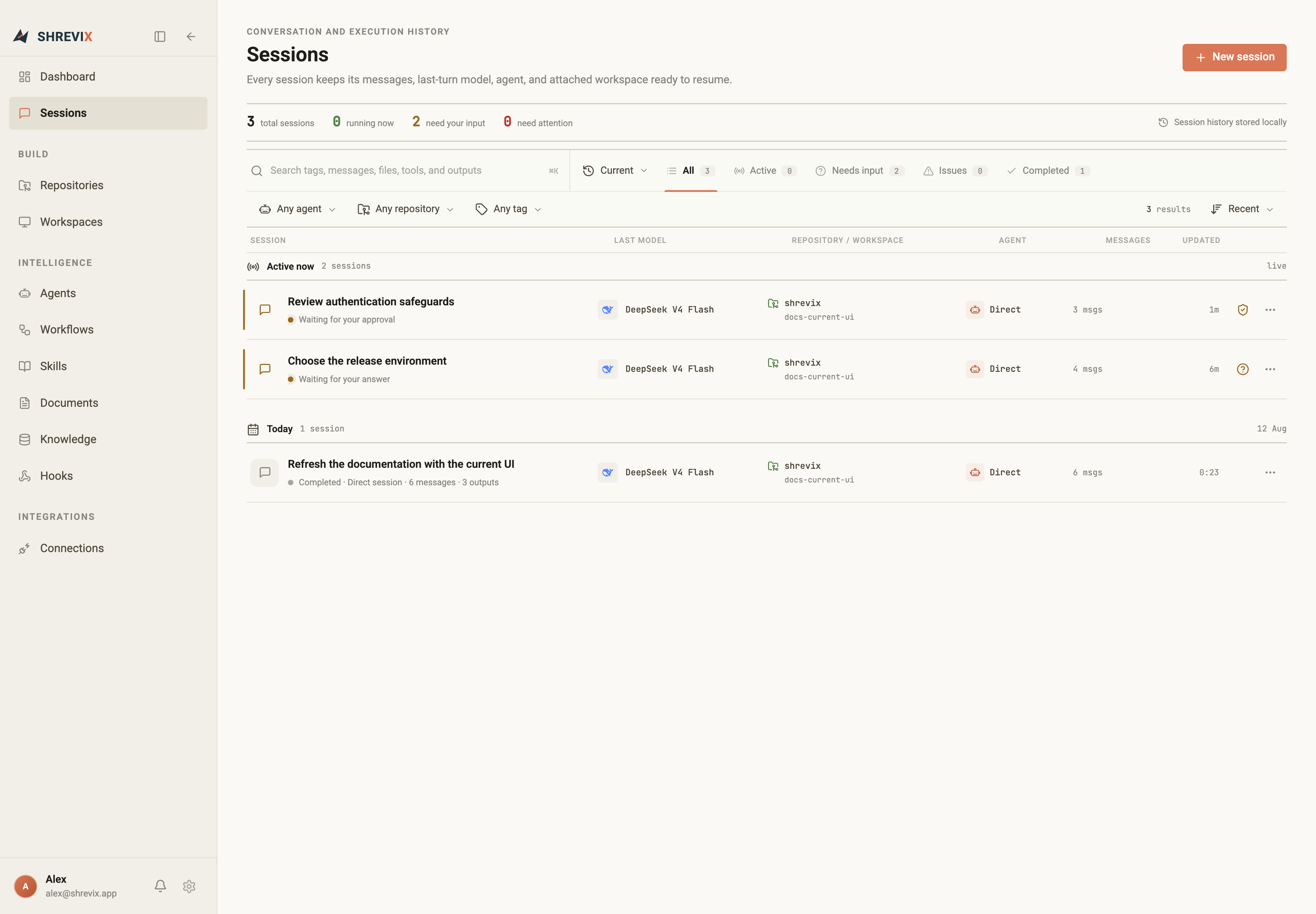
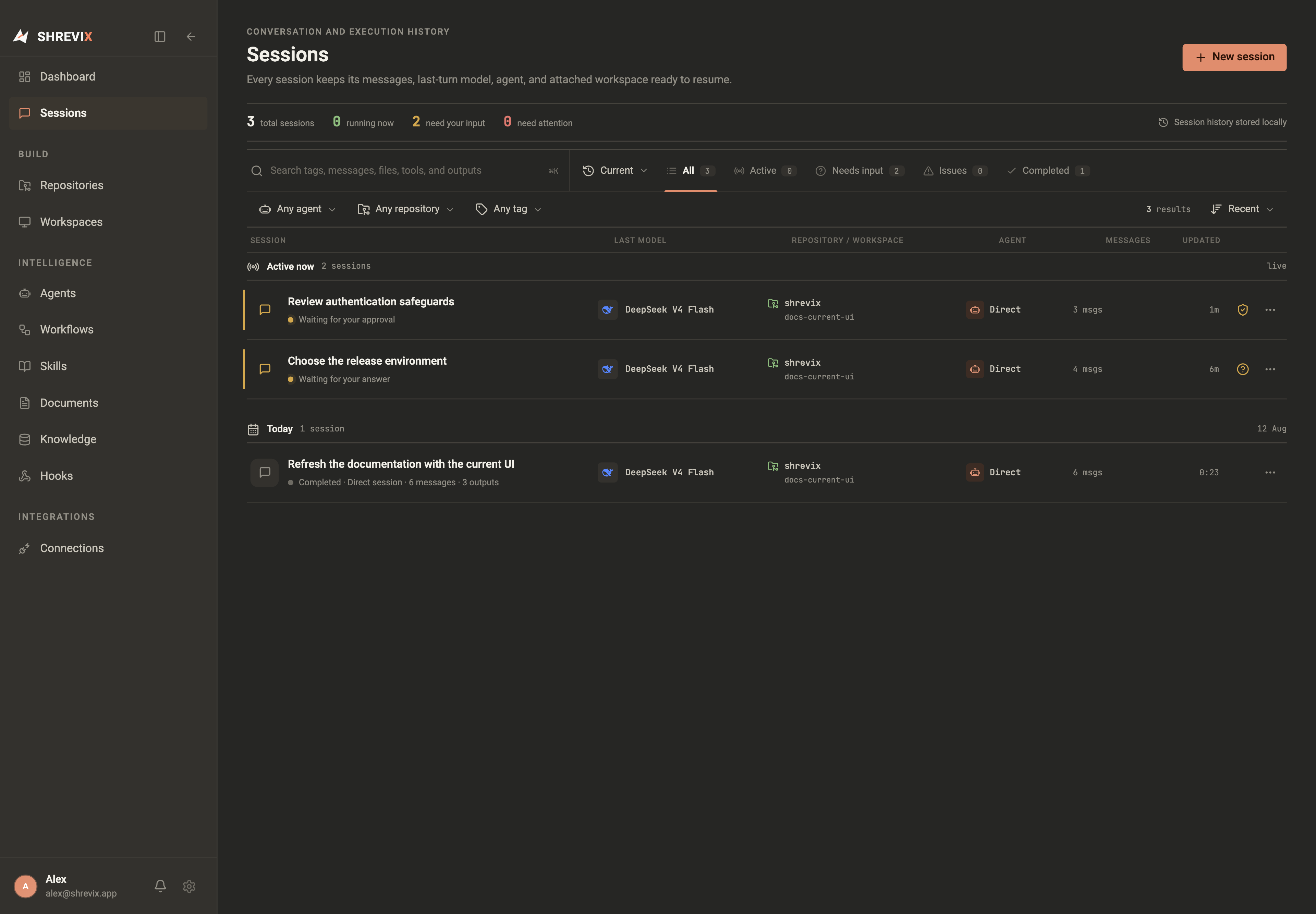
For the first three user messages, Shrevix refreshes the title after each assistant response using the same conversation model. That lets a vague first message become a useful, stable title once the task is clear.
Global search
Section titled “Global search”Press Command+K on macOS or Ctrl+K elsewhere to open the command palette. It searches navigation and sessions without requiring the dashboard search box to remain visible.